
Install Vibranch on Mac
BETA
Beta build — not yet notarized by Apple
If you don't run the command below in Terminal, the app may not work:
xattr -dr com.apple.quarantine "/Applications/Vibranch.app"01Step 1 · Download
Download with a button below. Pick the build that matches your Mac.
Not sure which one? Most Macs from 2020 onward are Apple Silicon ( menu → About This Mac → "Chip").
02Step 2 · Move to Applications
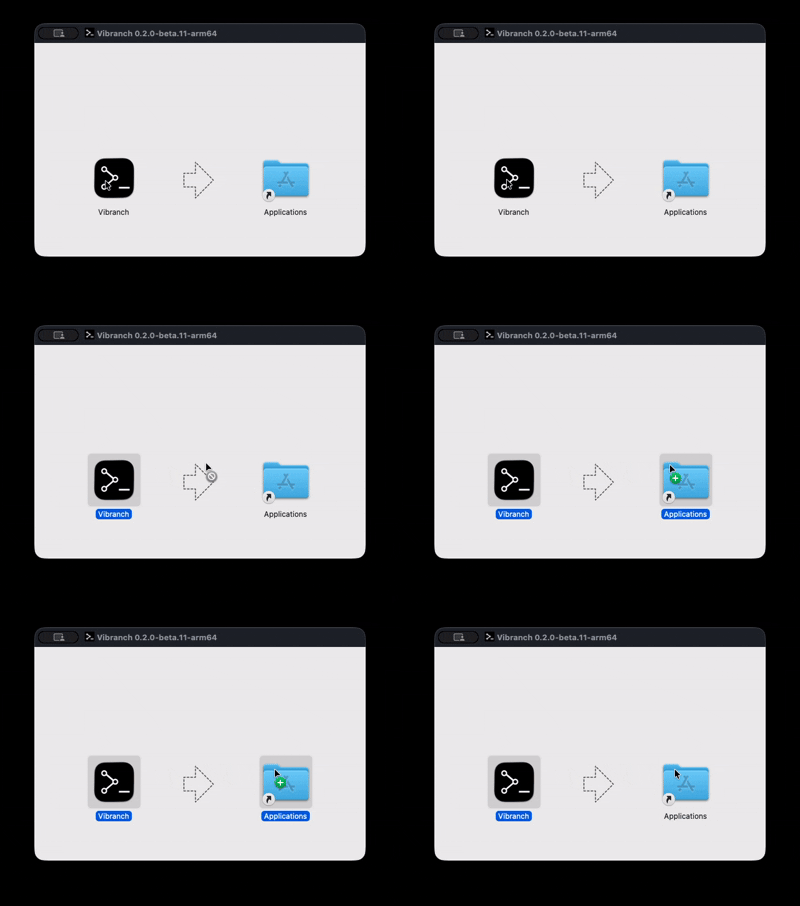
Open the downloaded .dmg file and drag Vibranch into the Applications folder, as shown above.
03Step 3 · Allow it to run
Open Terminal and run the command below, then press Return.
xattr -dr com.apple.quarantine "/Applications/Vibranch.app"04Done · Launch Vibranch
Open Vibranch from Applications or Launchpad. You're all set!
Join our community
Hop into our Discord to share feedback and connect with other users and teams.